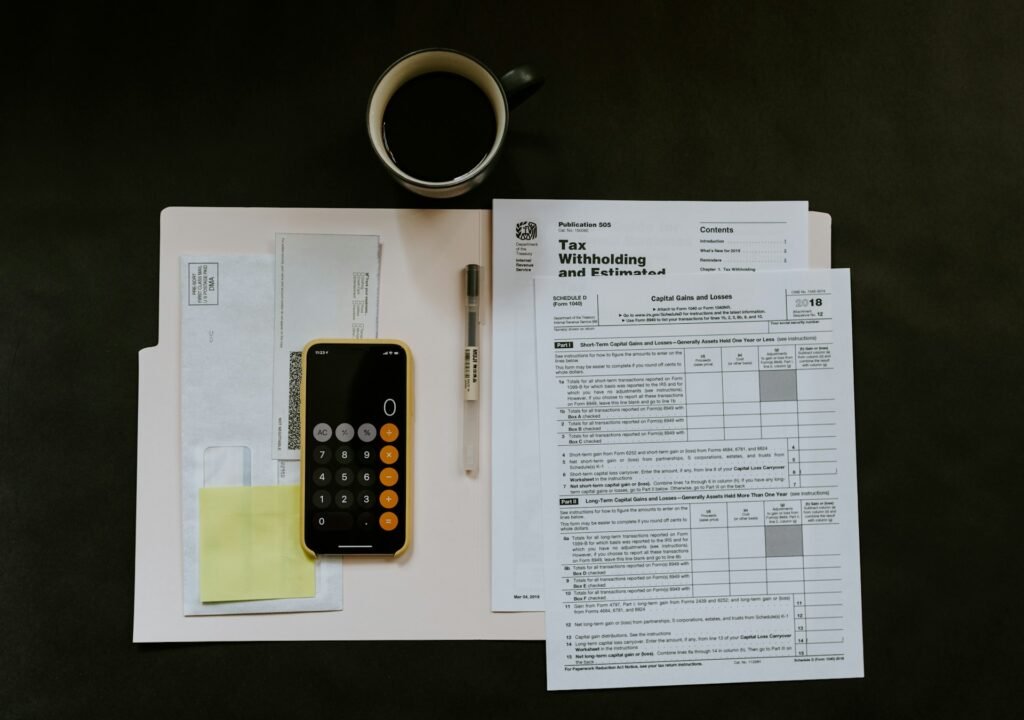
Managing receipts may seem like a small, routine task, but for small business owners, it plays a critical role in maintaining accurate financial records, ensuring tax compliance, and gaining clear insights into business performance. Poor receipt management can lead to lost deductions, inaccurate bookkeeping, and unnecessary stress during tax season. On the other hand, a well-organized system saves time, reduces errors, and helps you stay in control of your finances.
In this comprehensive guide, you will learn exactly how to organize your receipts step by step, using simple, practical methods that work for businesses of any size.

Why Organizing Receipts Is Important
Before diving into the process, it’s important to understand why receipt organization matters so much.
First, receipts serve as proof of your business expenses. Without them, you may not be able to justify deductions during tax filing, which could cost you money.
Second, organized receipts make bookkeeping easier. When your expenses are clearly documented and categorized, recording transactions becomes faster and more accurate.
Third, proper organization helps you track spending patterns. This allows you to identify unnecessary expenses and make better financial decisions.
Finally, it reduces stress. Instead of scrambling to find documents at the end of the month or year, everything is already in place.
Step 1: Separate Business and Personal Receipts
The first and most important step is to keep business receipts completely separate from personal ones.
Mixing personal and business expenses creates confusion and increases the risk of errors. It also makes tax preparation more complicated.
To avoid this:
- Use a dedicated business bank account
- Pay for business expenses with a separate card
- Immediately label or store receipts as “business” when collected
This simple habit sets the foundation for clean and accurate bookkeeping.
Step 2: Choose a Receipt Management Method
There are two main ways to organize receipts: physical and digital. You can choose one or combine both, depending on your preference.
Physical Method
This involves storing paper receipts in folders, envelopes, or binders. It works well if you prefer handling documents manually.
Digital Method
This involves scanning or photographing receipts and storing them electronically. It is more efficient and reduces clutter.
For most modern businesses, a digital system is recommended because it is easier to search, back up, and share.
Step 3: Collect Receipts Consistently
The biggest mistake business owners make is failing to collect receipts consistently.
Every time you make a business purchase, make it a habit to:
- Ask for a receipt
- Take a photo immediately if it’s paper-based
- Save digital receipts from emails or apps
Delaying this step often leads to lost receipts and incomplete records.
Consistency is key. The goal is to ensure that no transaction goes undocumented.
Step 4: Digitize Paper Receipts
If you receive paper receipts, converting them into digital format is a smart move.
Paper receipts can fade, get lost, or become damaged. Digital copies are safer and easier to manage.
To digitize receipts:
- Use your smartphone camera or a scanning app
- Ensure the image is clear and readable
- Capture important details like date, amount, and vendor name
Once digitized, you can safely discard the paper copy in most cases (check your local regulations if unsure).
Step 5: Create a Clear Folder Structure
A well-organized folder system is essential for managing receipts efficiently.
You can structure your folders in a way that makes sense for your business. A common approach is:
By Year → By Month → By Category
For example:
- 2026
- January
- Office Supplies
- Travel
- Marketing
- February
- Utilities
- Software
- January
This structure makes it easy to find receipts quickly when needed.
Step 6: Categorize Your Expenses
Each receipt should be assigned to a specific category. This helps with bookkeeping, reporting, and tax preparation.
Common expense categories include:
- Office supplies
- Travel and meals
- Utilities
- Marketing and advertising
- Software and subscriptions
- Rent and maintenance
Categorizing receipts correctly ensures your financial reports are accurate and meaningful.
Step 7: Record Receipts in Your Bookkeeping System
Organizing receipts is only part of the process. You also need to record them in your bookkeeping system.
For each receipt, include:
- Date of transaction
- Vendor name
- Amount
- Category
- Payment method
This step connects your receipts to your financial records and ensures everything is accounted for.
Step 8: Match Receipts with Bank Transactions
To maintain accurate books, you should regularly match your receipts with your bank or credit card transactions.
This process, known as reconciliation, helps you:
- Verify that all expenses are recorded
- Detect missing or duplicate entries
- Identify unauthorized transactions
Make it a habit to reconcile your accounts weekly or monthly.
Step 9: Set a Weekly Routine
Receipt organization should not be left until the end of the month or year.
Instead, set aside time each week to:
- Upload or scan receipts
- Categorize expenses
- Record transactions
- Review for missing documents
A weekly routine keeps your records up to date and prevents a backlog.
Step 10: Store Receipts Securely
Whether physical or digital, your receipts should be stored securely.
For physical receipts:
- Use labeled folders or binders
- Store them in a dry, safe place
For digital receipts:
- Use cloud storage or secure software
- Create backups regularly
- Use clear file names for easy searching
Proper storage ensures your records are safe and accessible when needed.
Step 11: Keep Receipts for the Required Time
It’s important to retain receipts for a specific period, depending on your country’s tax laws.
In many cases, businesses are required to keep records for several years.
Even if not legally required, keeping receipts for at least 3–7 years is a good practice. This protects you in case of audits or financial reviews.
Step 12: Use Automation Where Possible
Manual receipt management can be time-consuming. Using automation tools can significantly improve efficiency.
Automation can help you:
- Capture receipts instantly
- Extract data automatically
- Categorize expenses
- Sync with your bookkeeping system
This reduces human error and saves valuable time.
Common Mistakes to Avoid
Even with a system in place, certain mistakes can cause problems.
Avoid these common errors:
Ignoring small receipts
Small expenses add up. Every receipt matters.
Waiting too long to organize
Delays lead to lost documents and confusion.
Not categorizing properly
Incorrect categories can affect financial reports and taxes.
Failing to back up data
Digital systems should always have backups.
Mixing business and personal expenses
This creates unnecessary complications and risks.
Benefits of an Organized Receipt System
When your receipts are well organized, the benefits go beyond bookkeeping.
You gain:
- Faster tax preparation
- Accurate financial reports
- Better cash flow visibility
- Reduced stress
- Improved decision-making
A simple system can make a significant difference in how you manage your business finances.
Final Thoughts
Organizing receipts is not just an administrative task, it is a fundamental part of running a successful business. By following a clear, step-by-step process, you can transform a chaotic pile of receipts into a structured system that supports your financial health.
Start by separating business expenses, choose a method that works for you, and stay consistent with your routine. Over time, these small habits will save you hours of work, reduce errors, and give you full control over your bookkeeping.
The key is not perfection, but consistency. Even a simple system, if followed regularly, can deliver powerful results.